

Digital Logic
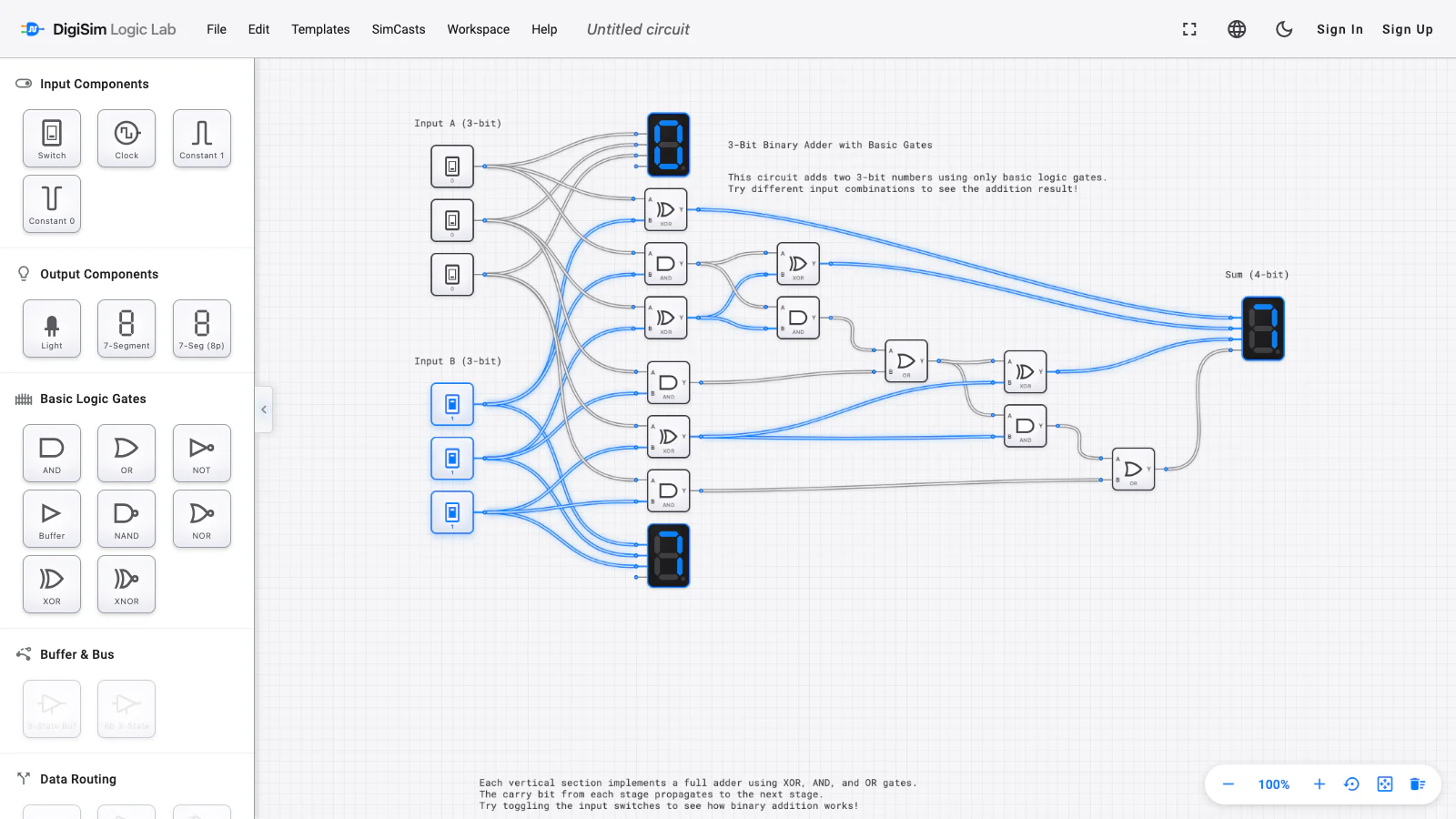
LOGIC LABSimulate gates, flip-flops, counters, registers, RAM, and a complete ALU — over 60 components with live truth tables and probeable signals. Follow templates all the way to an 8-bit CPU that runs your assembly.
Build digital logic, relay, electricity, and analog circuits on one bench. Drag a component, wire it, and watch every signal flow in real time — from your first AND gate to an 8-bit CPU.
Each lab shares the same bench, save format, and real-time engine — switch domains without switching tools.
Simulate gates, flip-flops, counters, registers, RAM, and a complete ALU — over 60 components with live truth tables and probeable signals. Follow templates all the way to an 8-bit CPU that runs your assembly.

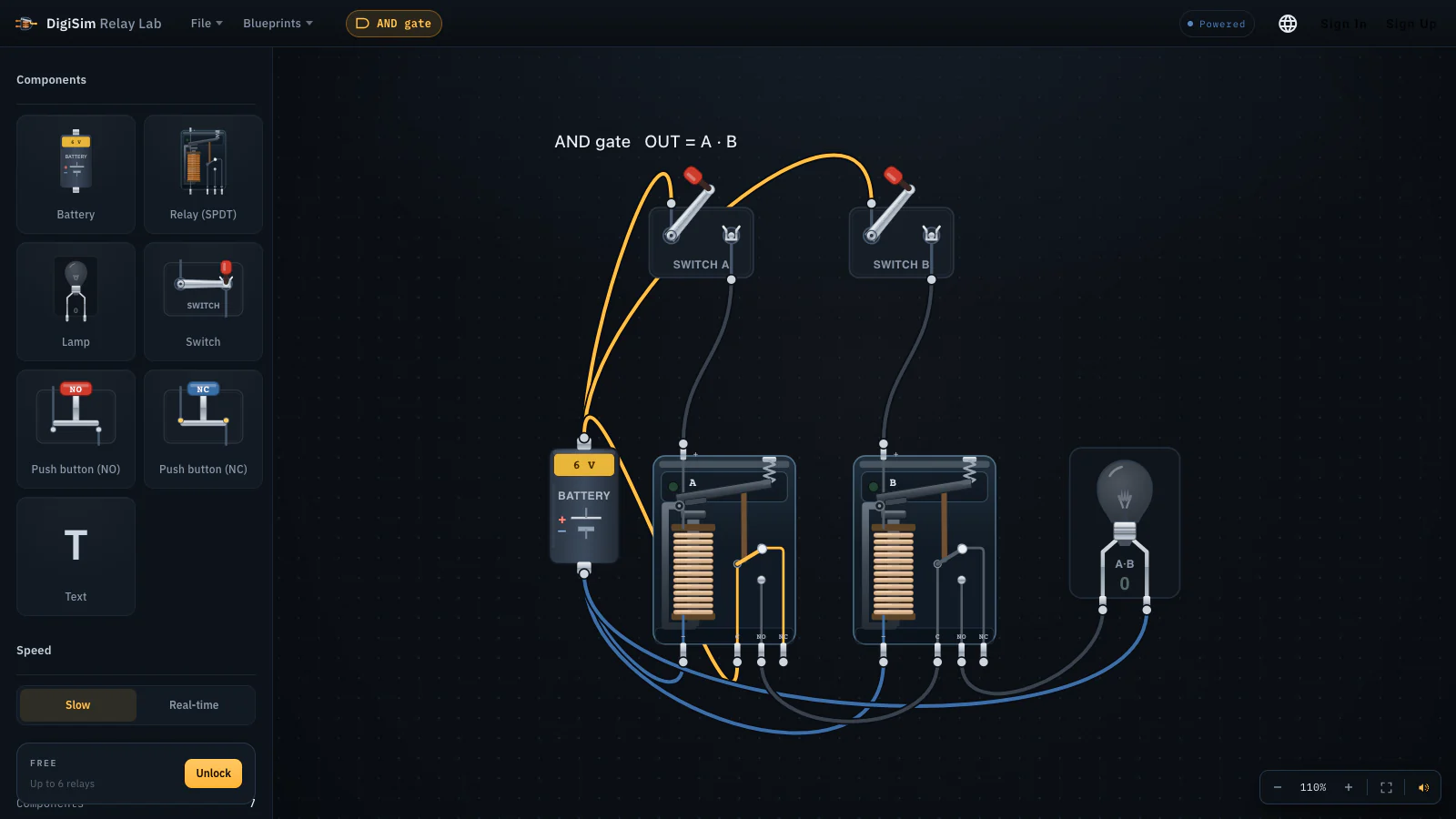
Electromechanical logic on a real DC solver — coils pull, contacts click, and ladder logic latches. Follow 25 guided Blueprints from one relay to a binary counter.

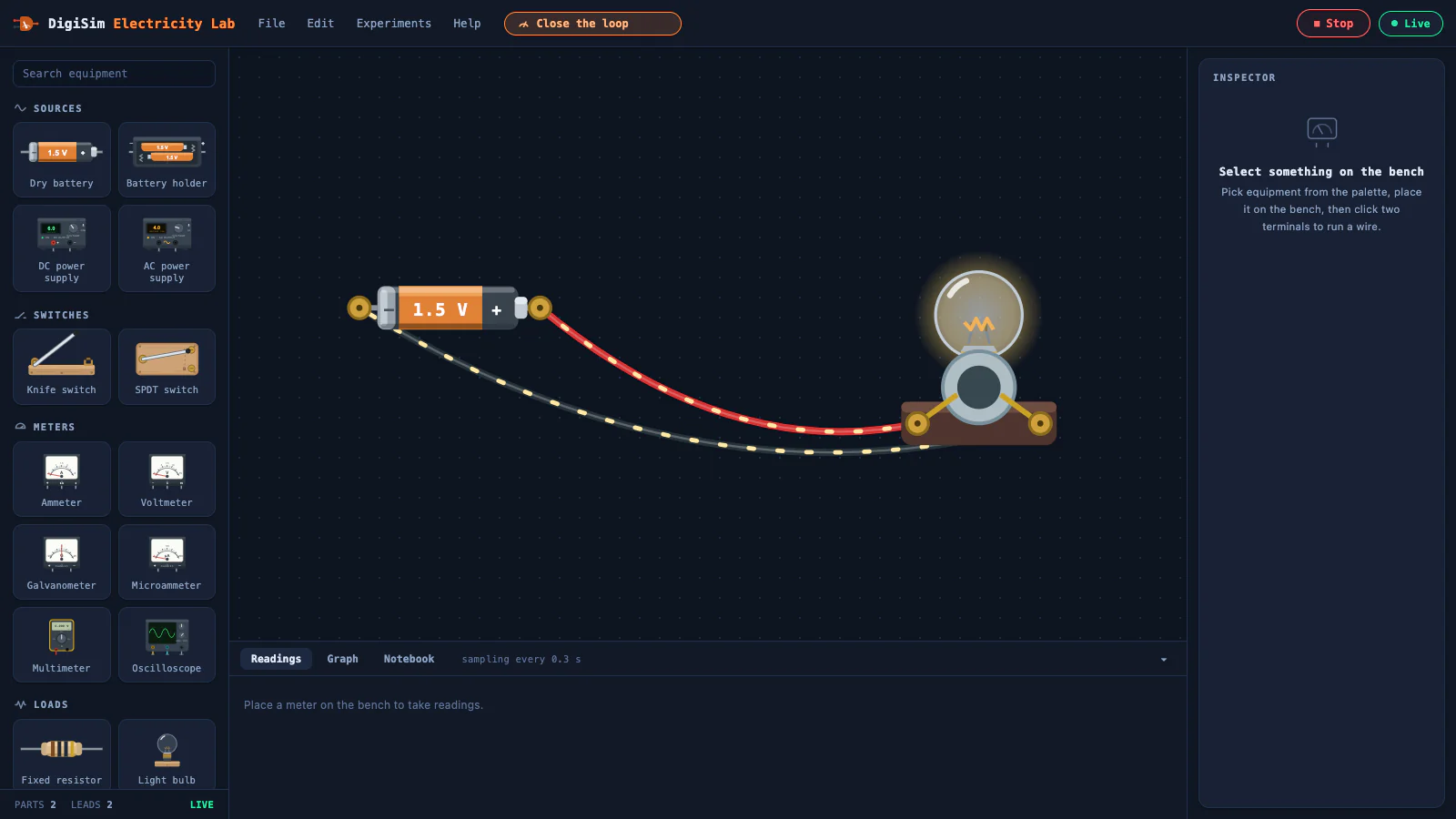
Batteries, bulbs, meters, and rheostats make Ohm’s and Kirchhoff’s laws visible, measurable, and safe to explore.

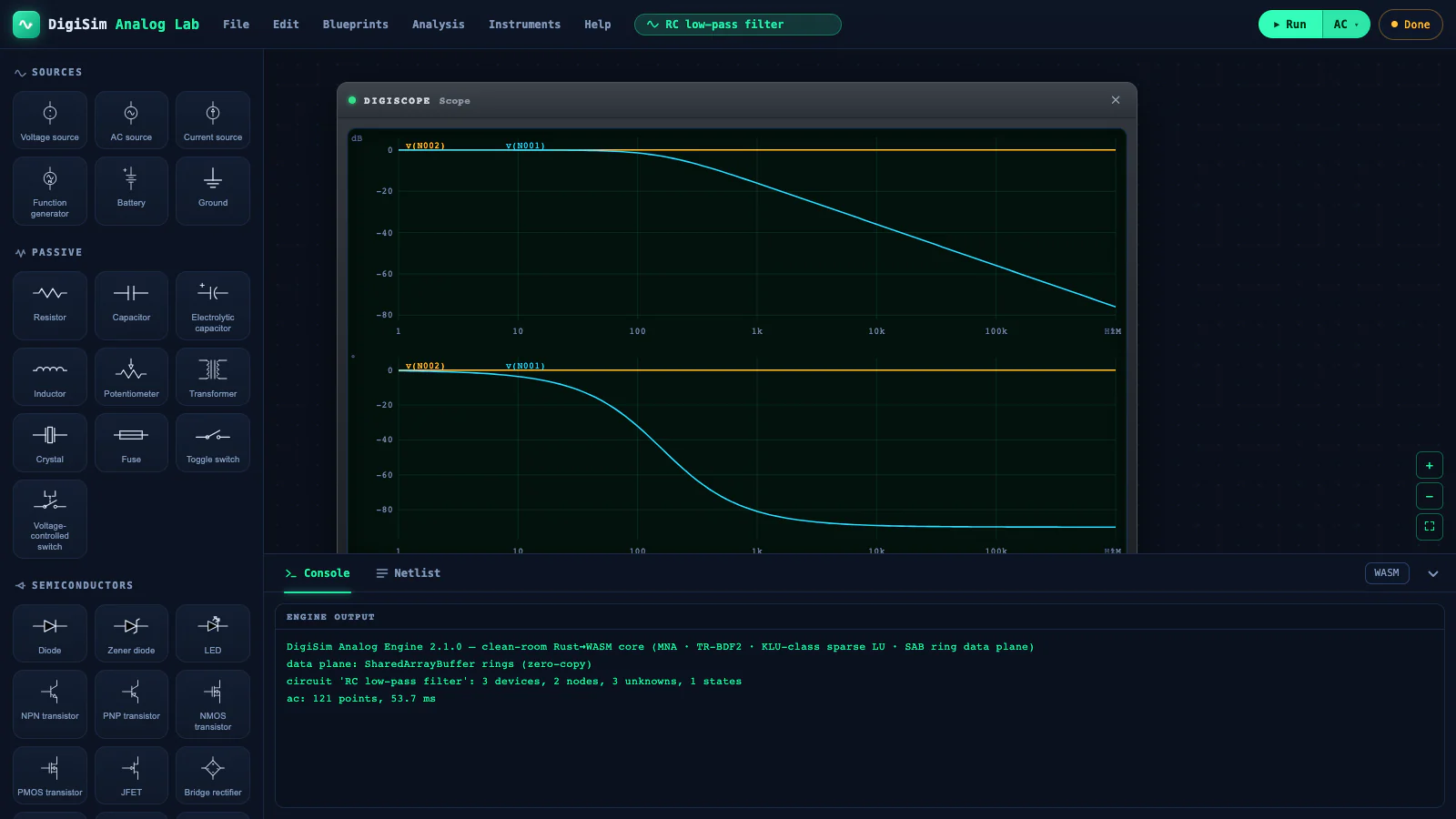
Build op-amp, filter, diode, and transistor circuits with DigiSim’s own Rust circuit engine compiled to WebAssembly.
Pause a lesson, flip a switch, and inspect the live circuit. Follow the journey from one clicking relay to a working computer.
Put an interactive simulator in an LMS, presentation, or website. Classroom adds a teacher dashboard, invitations, and join codes.
Test a latch, debounce a switch, or size a resistor network in the browser before touching a breadboard.
Press play and a finished circuit comes alive. The lesson highlights one component, narrates the idea, then pans the camera to the next. Pause anywhere — every signal is still probeable, because it's still a simulator.
Start free, subscribe monthly or annually, choose the Founder one-time offer while available, or manage Classroom seats.
no card required
Start free≈ $4.83/mo · save 19%
Get Proone payment · no recurring fee
Claim Founder offerbilled annually · from 20 seats
Get seatsAlready own a previous one-time tier? Your existing entitlement is grandfathered, with no new subscription required. Eligible academic accounts receive an automatic discount at checkout. Secure payment by Stripe.
Yes. Start with useful free sandboxes, lessons, and templates. No account or installation is needed.
Digital logic, relay and ladder logic, DC electricity, and analog op-amp, filter, diode, and transistor circuits.
No. DigiSim runs in a browser on laptops, Chromebooks, and tablets.
Yes. Embed live circuits, assign SimCast lessons, and manage class seats with Classroom.
Yes. Digital Logic, Relay, Electricity, and Analog are available now.
Free circuits save locally. Pro adds cloud save, sharing, export, and cross-device access.
No account. No install. The first relay is one tap away.